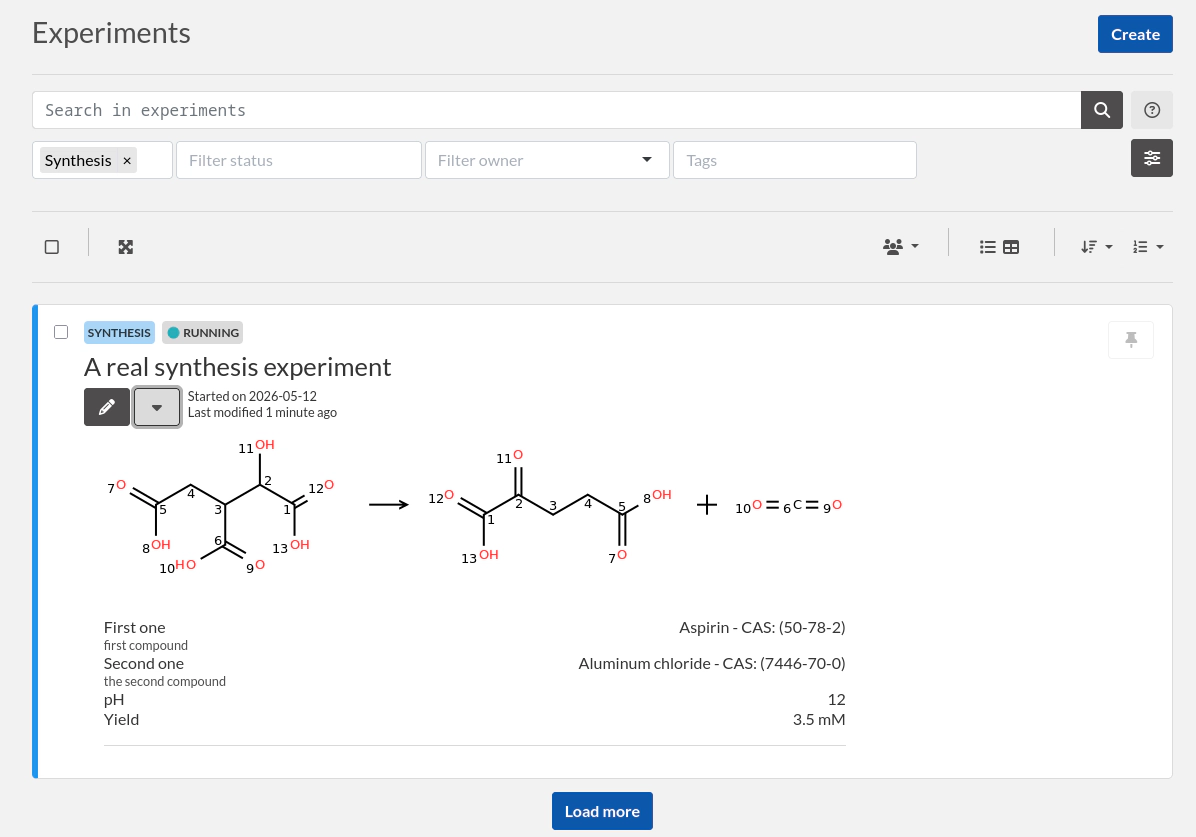
Creating a synthesis experiment (chemistry)
This tutorial will show you how to use eLabFTW for registering chemistry experiments.
There might be several ways to approach this. We're just showing you one way to do it.
Creating a template
It is a good idea to start by creating an Experiment Template for Synthesis experiments. Before that, let's create an Experiment Category: "Synthesis".
Add a category
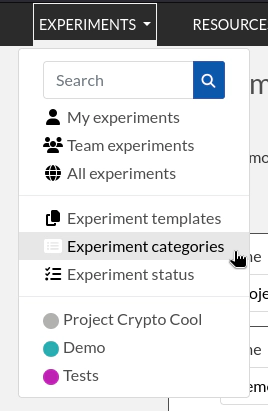
Go to "Experiment categories" page from the menu:
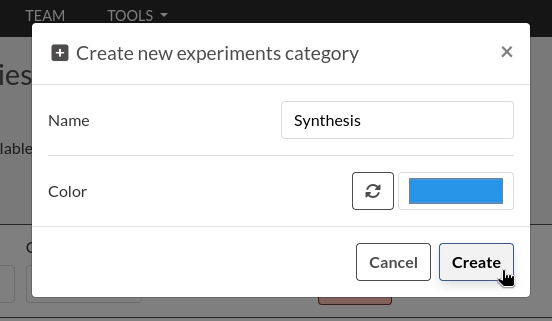
Click the "Create" button and add a category: "Synthesis".
Add a template
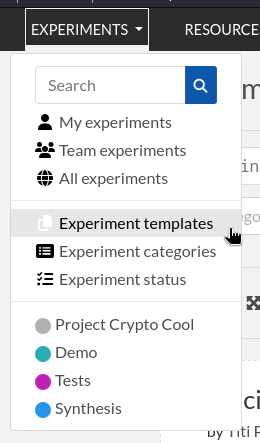
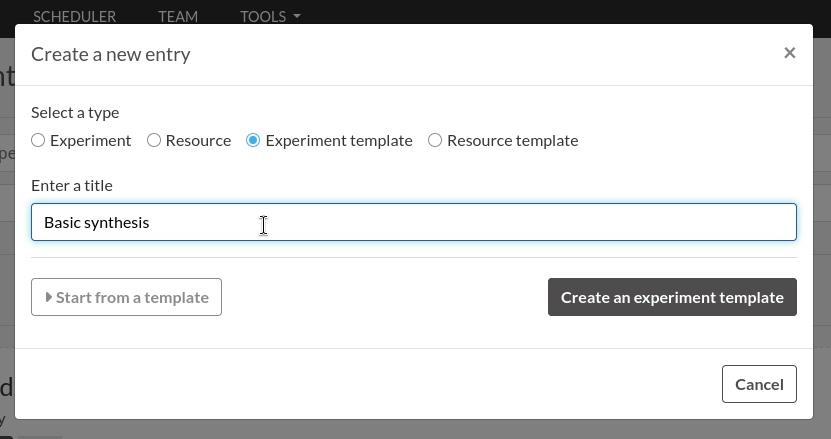
Next, go to "Experiment templates" page and create a new Experiment Template.
Name it "Basic synthesis" or something similar.
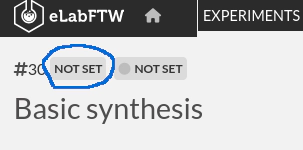
Set the Category to "Synthesis" by clicking the first "Not set" above the title.
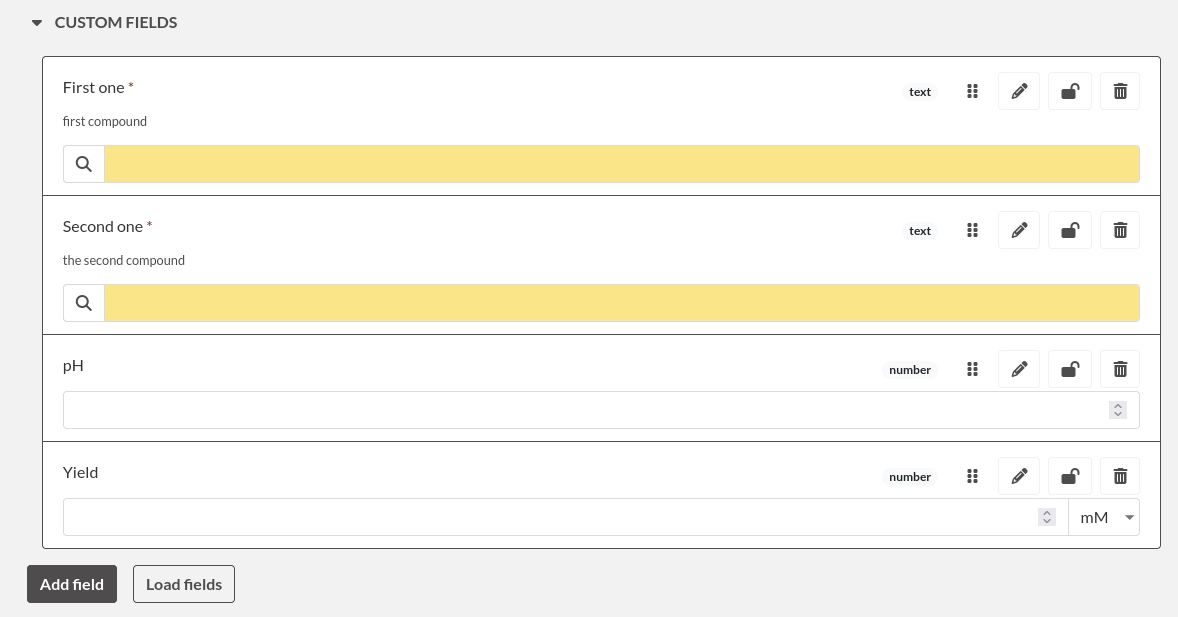
Now use the Main Text and the Custom fields to describe what you expect to have in your experiment. You can have a table, you can have links to compounds, ask the user to log various parameters such as pH or temperature.
Creating the experiment
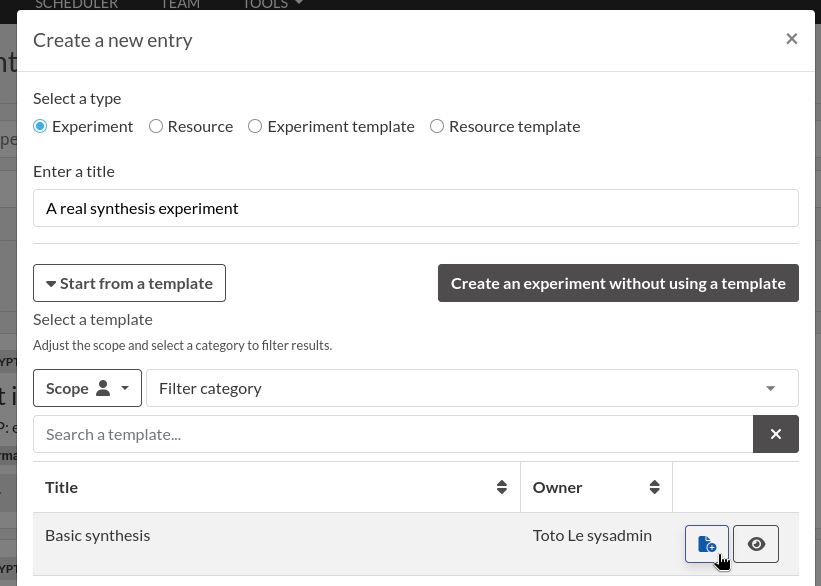
Once you're satisfied with your template, create an experiment from that template. Click the "Create" button from the Experiments page, add a title and select the template:
Then fill the Custom fields and Main Text with information about the experiment.
Using the Structure Editor
From the Tools menu, select the "Chemical Structure Editor".
This editor allows you to draw a reaction. You can then save the reaction as RXN file and attach that file to your experiment (we're working on making this step easier without having to download the file).
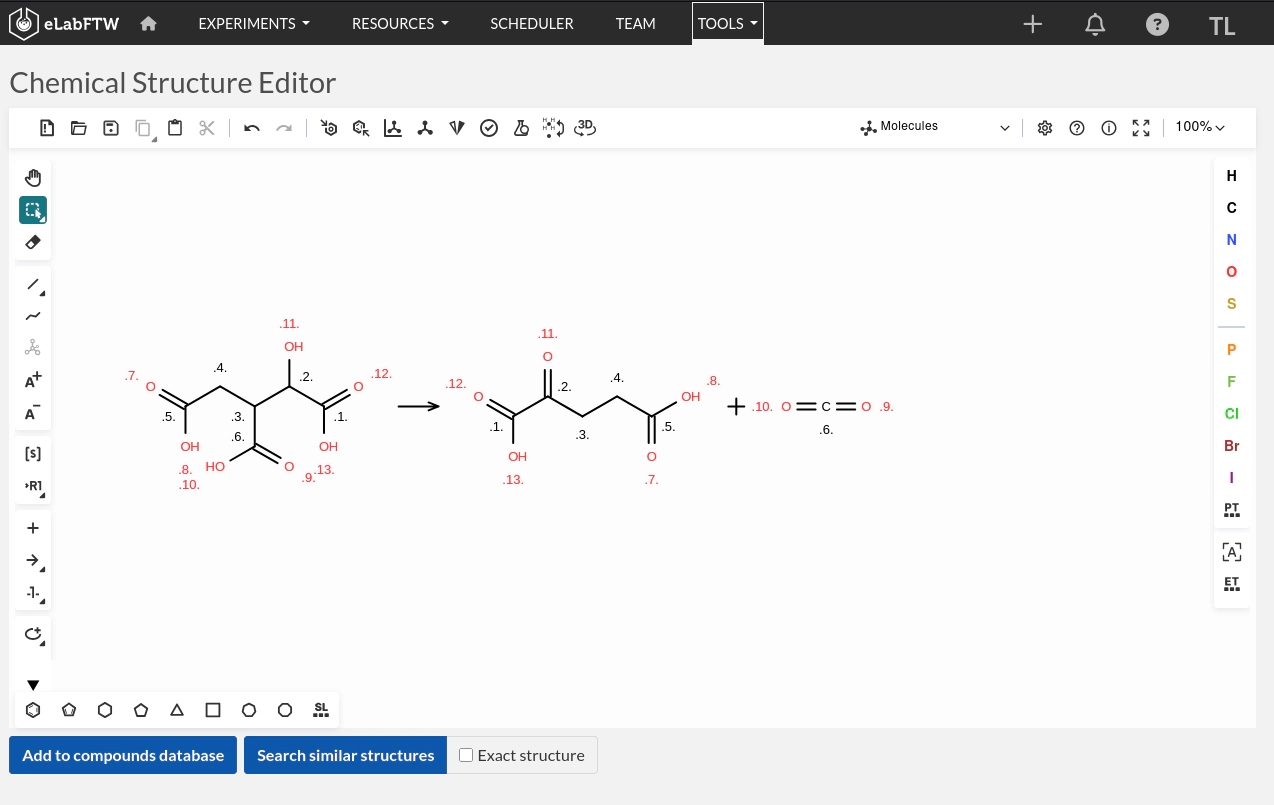
You can also export it in PNG so you can have the image in the Main text and display it from the main page by toggling the main content: