Teams tab
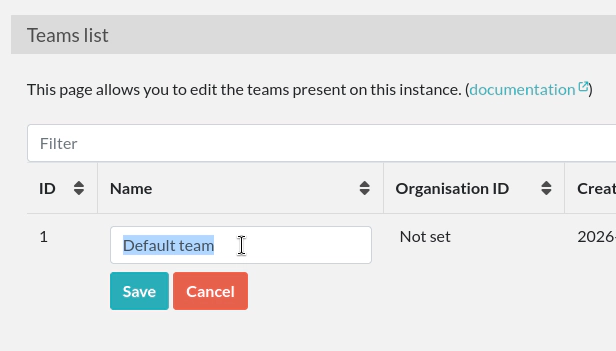
Edit default team name
After a fresh installation, only a «Default team» is present. Click on the team name to edit it:
Create other teams
If it makes sense in your context, create other teams by clicking the «Create a team» button.
Organisation ID
The «Organization ID» is an attribute that you can set in case you wish to use the information sent by an external authentication service (such as SAML or LDAP) to assign a team to a new user. It basically allows you to match a team on eLabFTW with a team in your directory.
Visibility
The «Visible» attribute allows you to hide a team from the “Register” page. Use it for the administrative team for instance. Only a completely empty team can be deleted.