Offline application
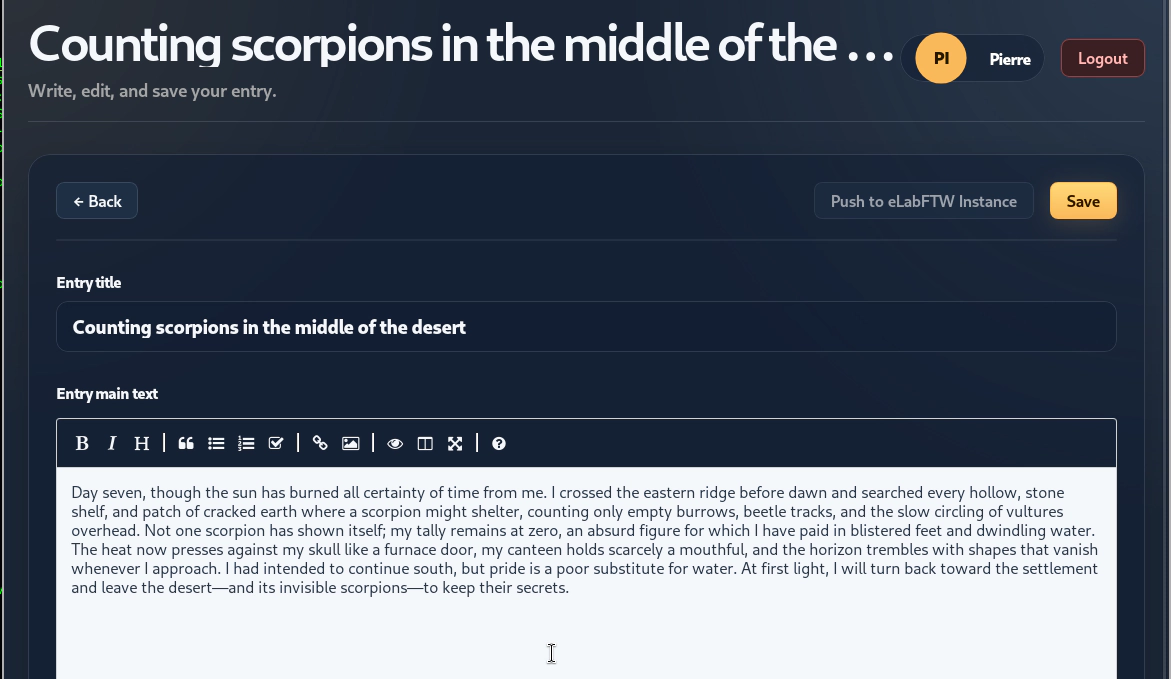
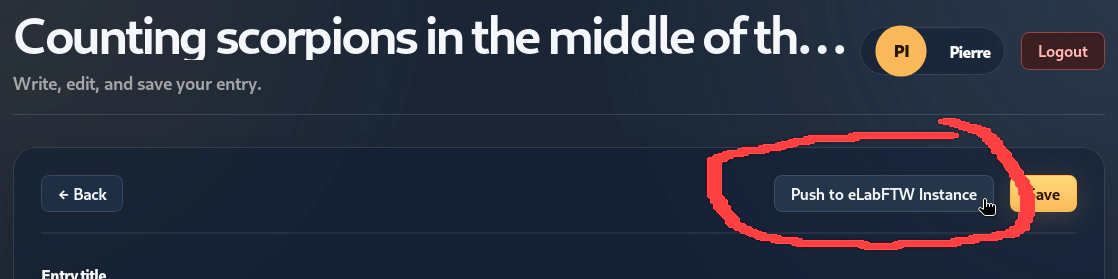
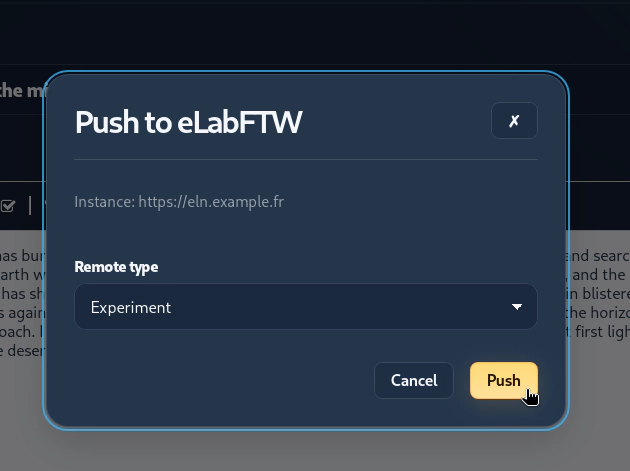
A desktop application working offline is available. It allows recording experimental data acquired in a context without Internet access, and later uploading this data to an eLabFTW instance when a connection becomes available.
The application works on Windows, Mac OS and GNU/Linux computers.
Download
You can download the latest version from the Releases page:
https://github.com/elabftw/desktop/releases
Usage
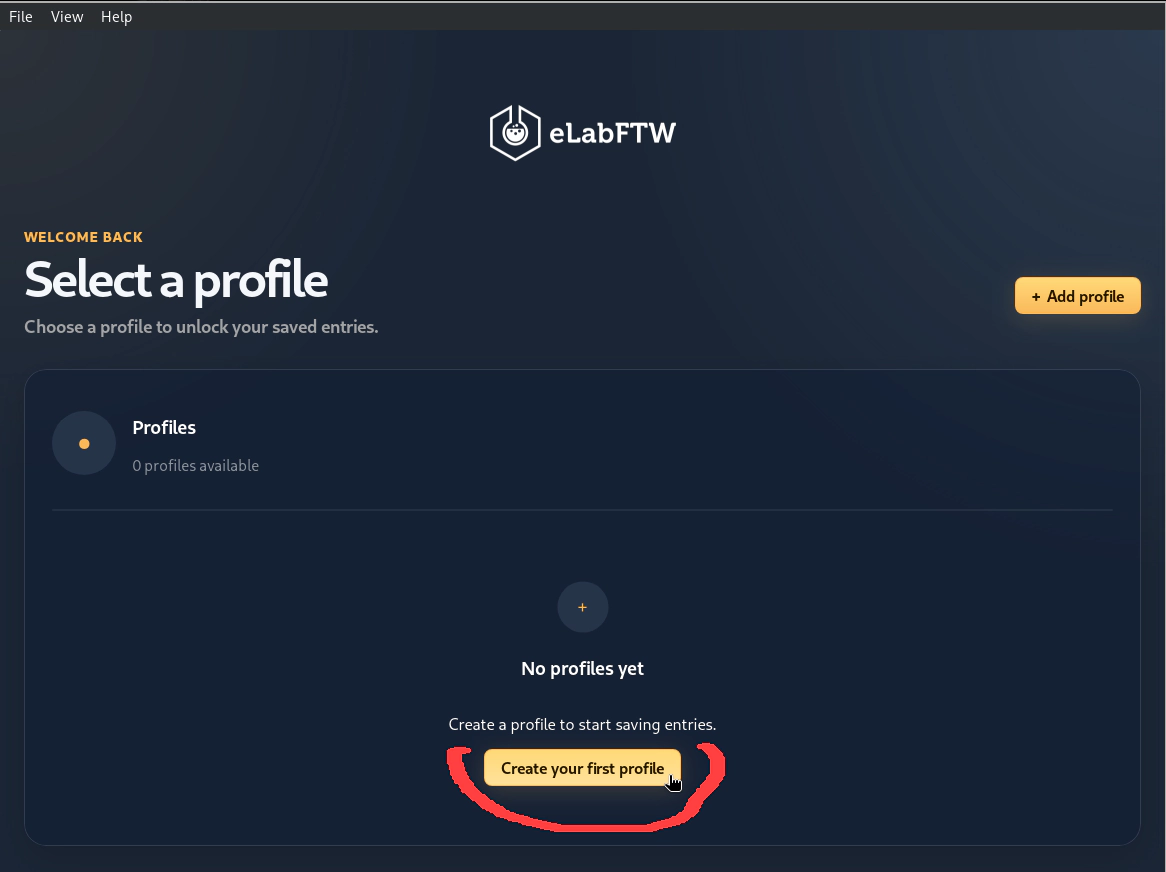
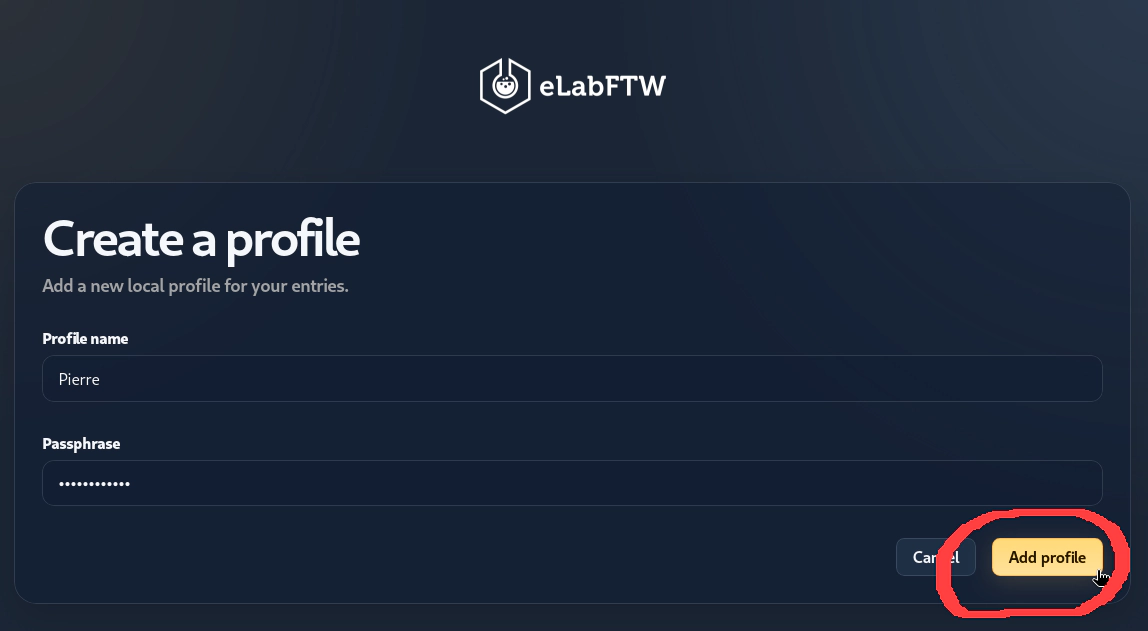
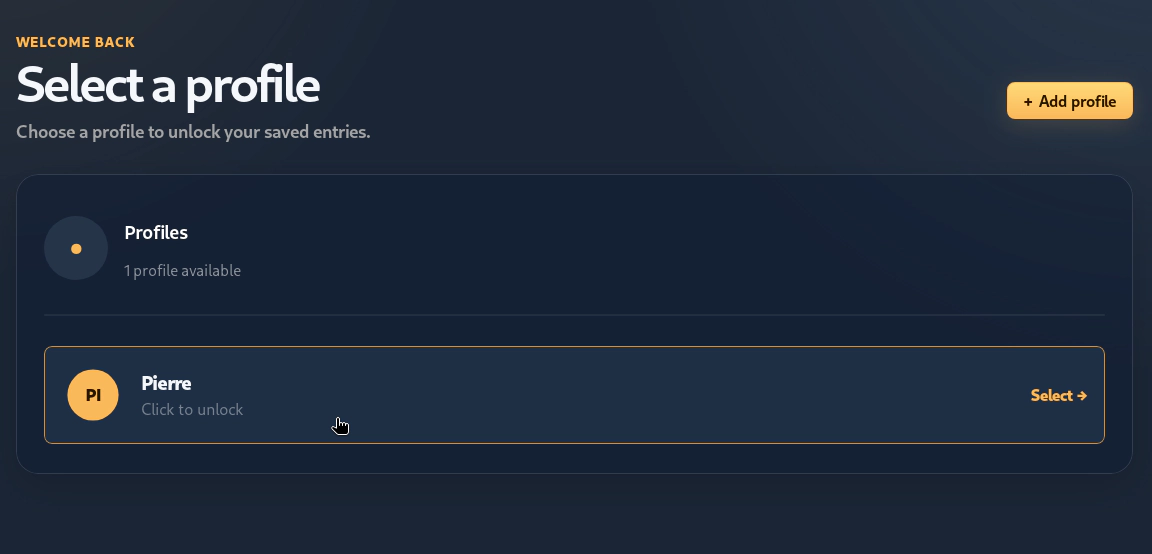
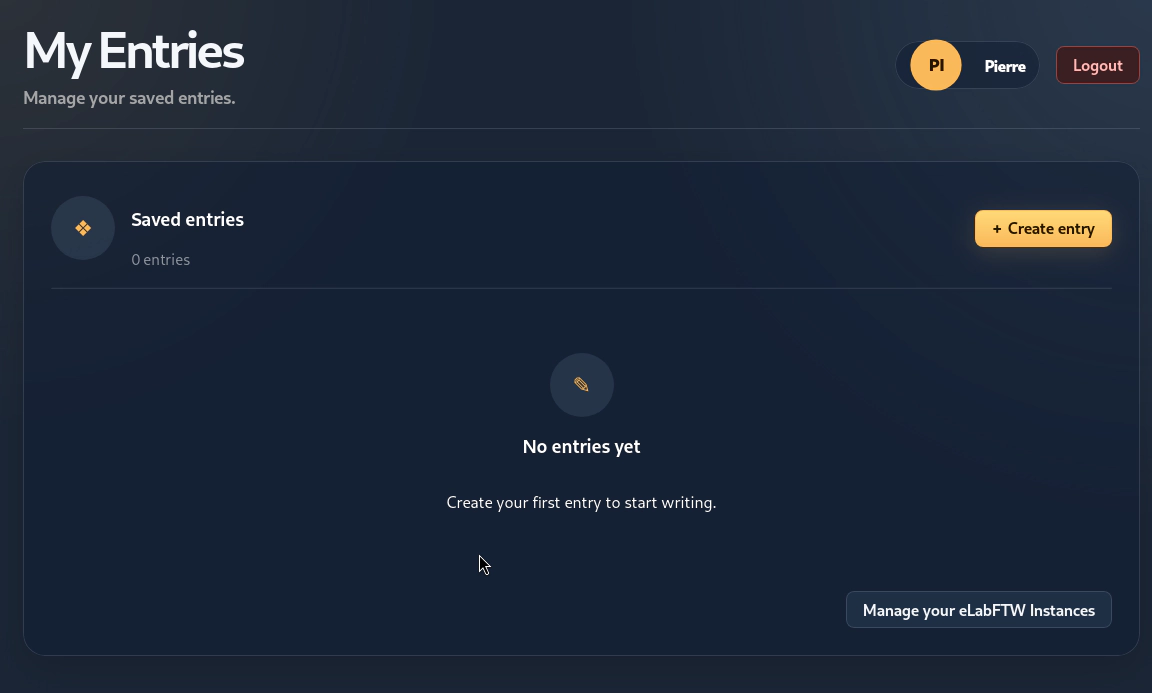
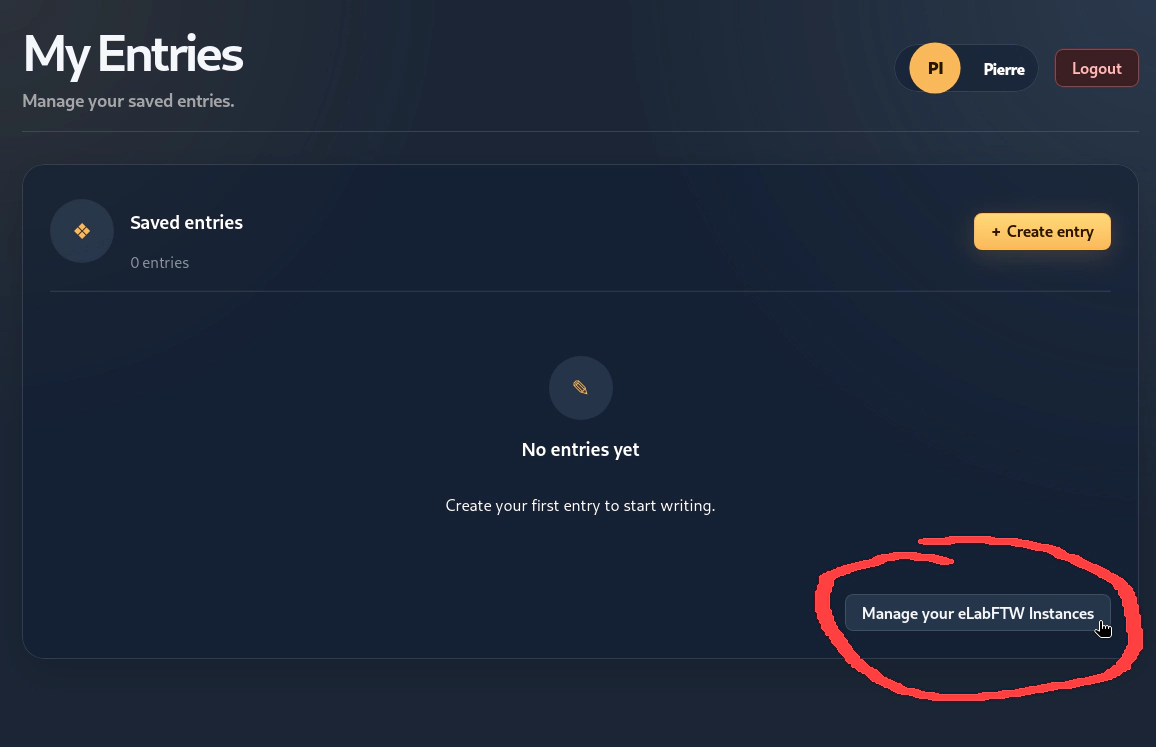
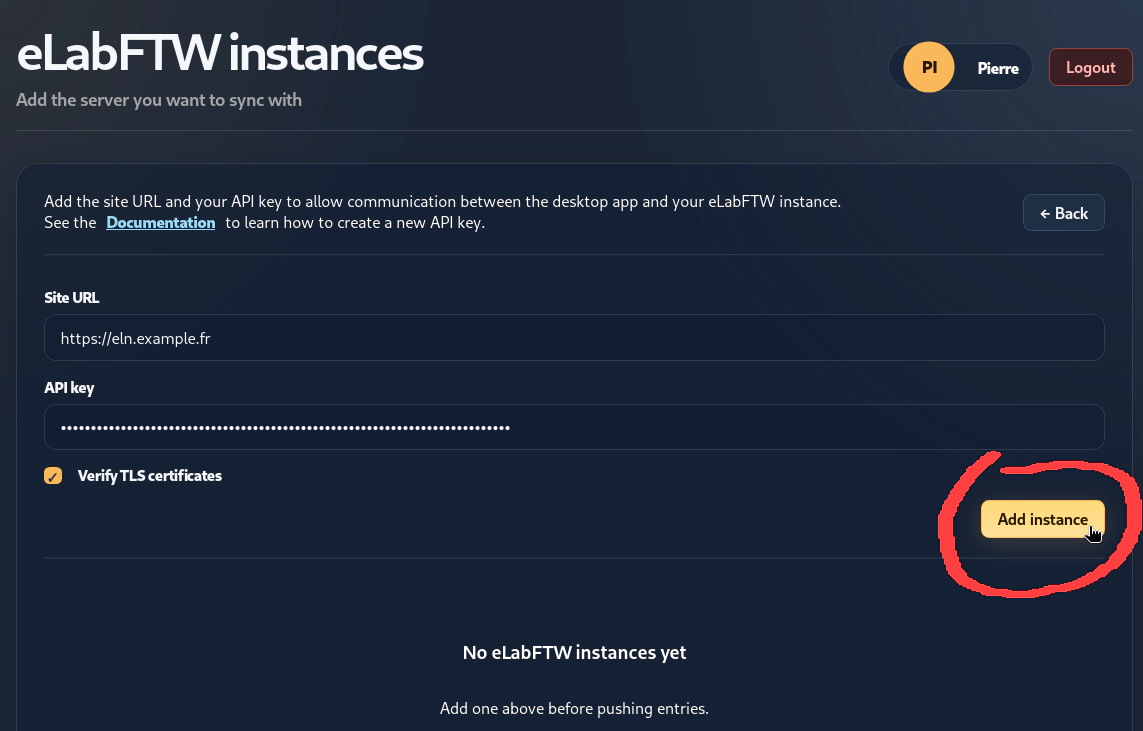
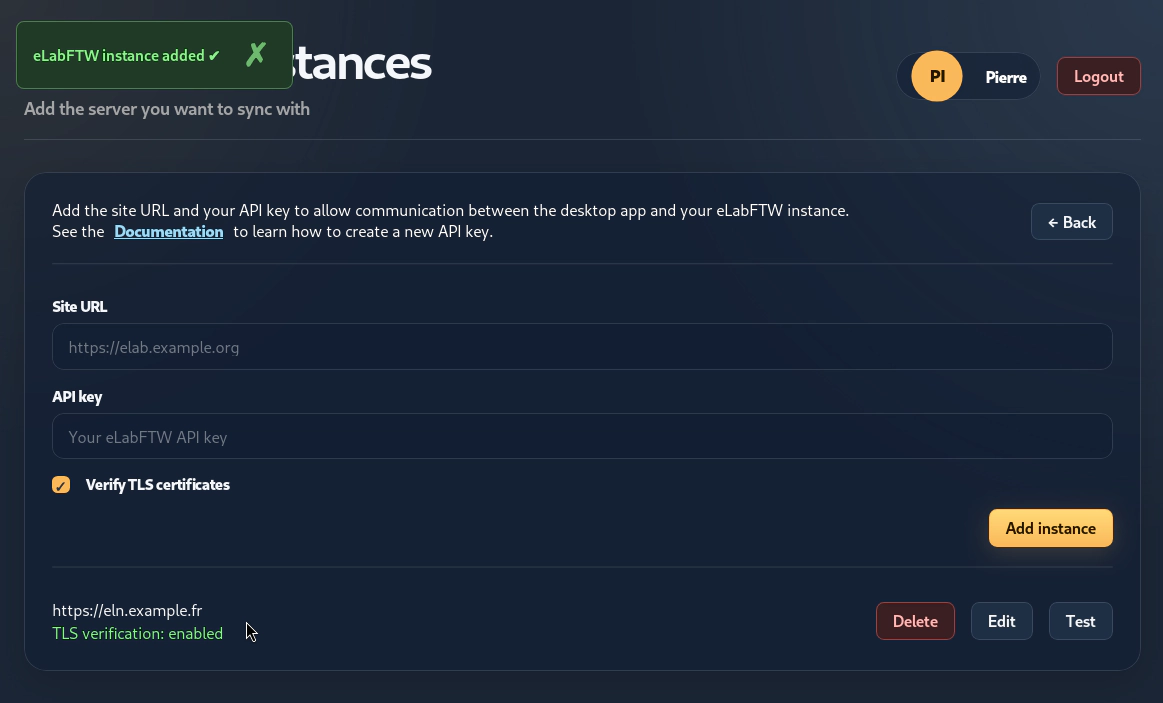
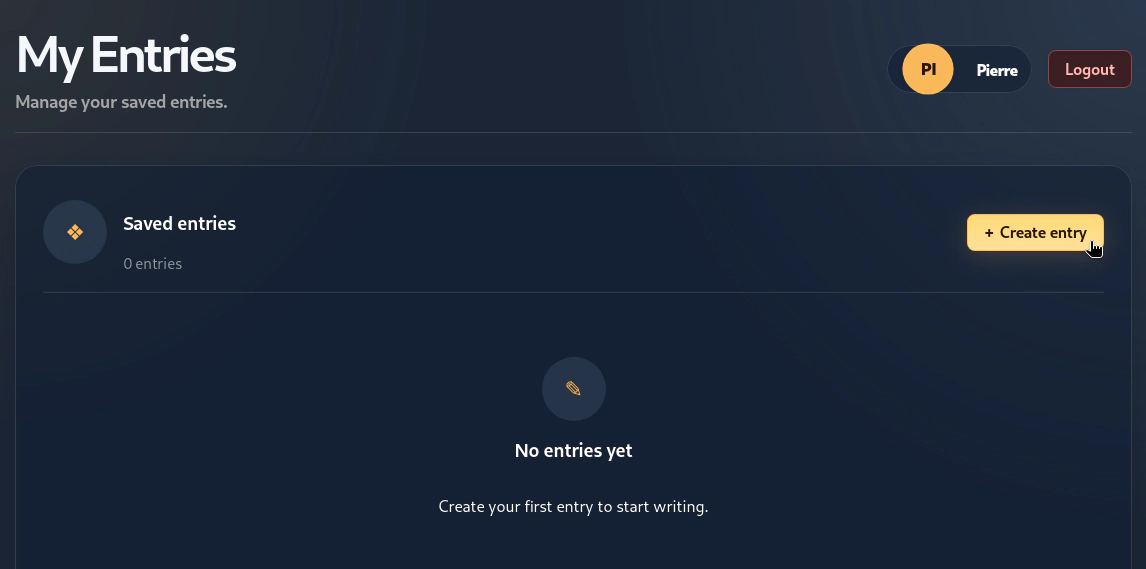
After downloading the latest release for your operating system, open the application and create your profile: